Jeans Product Photography
Jeans photography for Indian e-commerce needs to communicate fit, fabric weight, and wash accurately. Buyers cannot try before they buy, so images need to do the work of a fitting room.
Start Your Free Shoot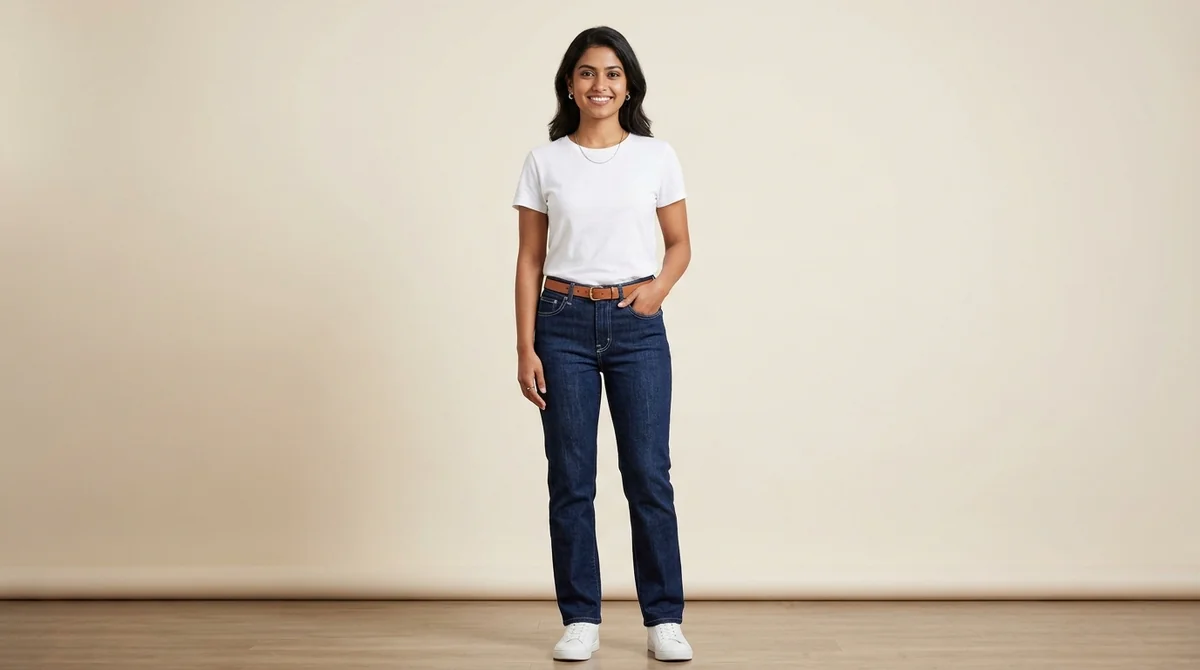
The Complete Guide to Jeans Product Photography
Jeans are the only Indian e-commerce garment category where colour accuracy is more important than styling. A light-wash jean that appears medium-wash in photos, or a dark indigo that looks black on screen, generates immediate returns — and return rates for colour-misrepresented denim run 30-40% higher than the category average. The root cause is lighting: warm-toned studio lights shift denim blue toward purple, while cool-toned lights push it toward grey. Neutral 5500-6500K lighting with a white reference card is essential for accurate denim colour reproduction. Beyond colour, jeans photography needs to communicate fit category (slim, straight, relaxed, bootcut, wide-leg) through pose selection — and the difference between a slim fit and a straight fit is subtle enough that the wrong pose makes them look identical. The back pocket design, waistband construction, and ankle hem finish are the three detail areas that jeans buyers scrutinise most when evaluating quality online. ShotRoom generates front, back, and detail shots that capture all three in a single session.
Photography Challenges for Jeans
Jeans fabric (denim) has directional texture — lighting angle significantly affects how the weave and wash photograph
Fit categories (slim, straight, relaxed, bootcut) need to be shown in poses that make the silhouette unmistakable
Wash variations (light, medium, dark, distressed) need colour-accurate photography to avoid returns based on colour mismatch
Waistband and pocket details are high-priority buyer focus areas that standard model shots may miss
How ShotRoom Handles Jeans Photography
- Generates front and back model shots that show jeans fit and construction accurately
- Creates waistband and pocket detail close-ups as secondary images
- Optimises image processing to preserve denim wash tones accurately
Jeans Photography Tips
Use a straight standing pose for straight-fit and relaxed-fit jeans to show the leg line clearly
Include a rear-view shot — waistband fit and pocket design are key quality indicators for jeans buyers
Close-up of the waistband label and button fly adds authenticity and communicates the brand's quality
Show ankle hem style clearly — raw hem, cuffed, or tapered endings affect the buyer's styling decision
Frequently Asked Questions
What is the best way to photograph jeans for Flipkart or Amazon India?
Jeans photography for e-commerce should include: (1) front on-model shot showing the full silhouette from waist to ankle, (2) back shot showing waistband and pocket design, (3) close-up of the waistband label and button fly, and (4) a detail shot of the ankle hem style. This set answers the top buyer questions about fit, build quality, and finishing.
How do I show jeans wash colour accurately in photos?
Denim wash colour accuracy requires neutral white light (5500-6500K colour temperature). Warm or cool lighting shifts can make light-wash jeans appear yellow or blue. Always photograph against a white or neutral grey background and request colour correction to ensure the final listing image matches the actual garment colour.
Sell Jeans On These Marketplaces
Marketplace guides for Jeans:
Get professional Jeans photos today
Upload one garment photo and receive a complete professional photoshoot in minutes. No studio, no photographer, no hassle.
Get Started Free