Shirt Product Photography
Formal and casual shirts are one of the highest-volume apparel categories on Indian e-commerce platforms. The competitive density means only listings with professional photography stand out in search.
Start Your Free Shoot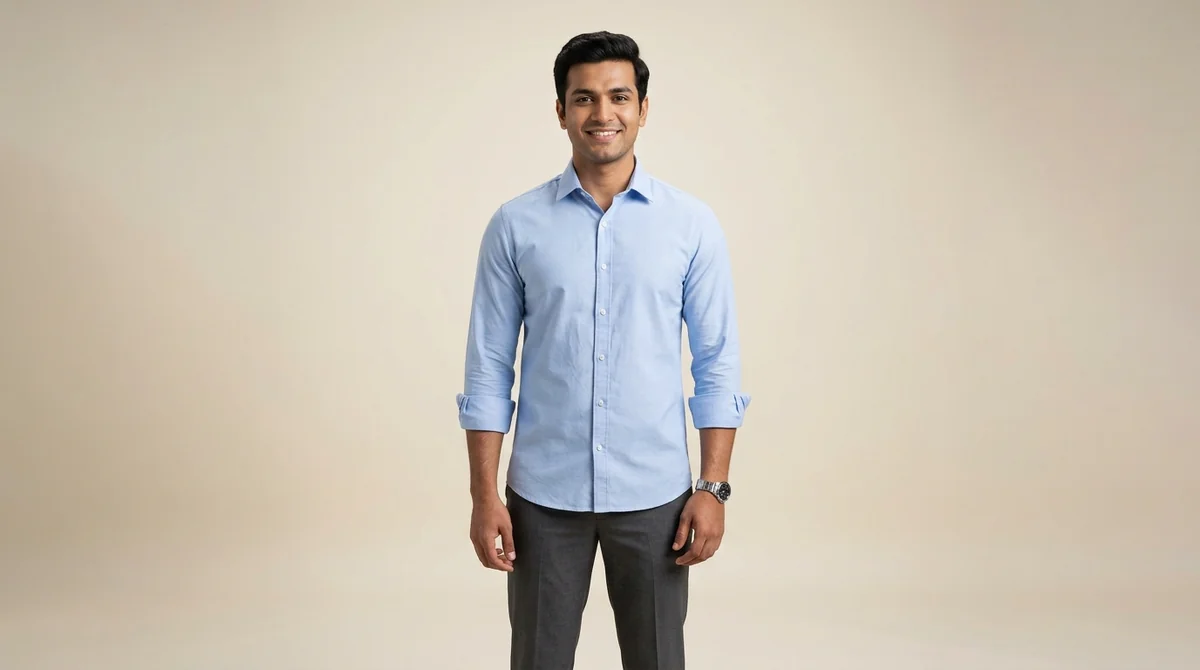
The Complete Guide to Shirt Product Photography
Shirts are one of the most competitive categories on Indian e-commerce — hundreds of sellers list nearly identical-looking shirts at similar price points, and professional photography is one of the few differentiators available at the product level. The collar is the most important detail in shirt photography because it's the primary visual element visible in search result thumbnails. A spread collar, button-down, mandarin, or band collar each signals a different style and occasion, and buyers filter by collar type more than any other shirt attribute. The photography approach should change based on shirt type: formal shirts need to be fully buttoned with crisp lines and visible collar stand, while casual shirts benefit from a more relaxed composition. Pattern shirts (checks, stripes, florals) need a dedicated flat-lay shot that shows the full repeat of the pattern without any drape distortion — on-model shots compress and twist patterns in ways that misrepresent the actual design. For premium shirts above Rs. 800, back yoke construction and placket stitching detail shots communicate quality that justifies the price.
Photography Challenges for Shirt
Shirts on a plain hanger look flat and unprofessional — they need a model to show collar roll, shoulder fit, and body structure
Cotton shirts show wrinkles prominently — images should show the fabric texture naturally but cannot appear creased
Pattern shirts (checks, stripes, prints) need full flat spreads to show the complete repeat of the pattern
Collar stand and placket construction are quality markers that buyers look for in close-up images
How ShotRoom Handles Shirt Photography
- Generates multiple model shots showing shirt from front, side, and back perspectives
- Creates collar and pattern close-up images that show construction quality
- Produces both formal tucked and casual untucked styling variants
Shirt Photography Tips
Always button up the shirt completely for the primary image — it shows the collar and body structure clearly
A half-tucked styling in secondary images helps buyers visualise casual wear options
Include a collar close-up — collar type (spread, button-down, mandarin) is a key purchase filter
Back shots showing yoke construction are important quality signals for buyers above Rs. 800 price point
Frequently Asked Questions
How do I photograph shirts for online selling in India?
A shirt listing needs at least 4 images: (1) front on-model with shirt buttoned, (2) back model shot showing yoke design, (3) collar close-up showing collar type and construction, and (4) a full flat-lay showing the shirt's print or pattern. This combination covers all the key decision points a buyer evaluates when selecting a shirt online.
Sell Shirt On These Marketplaces
Marketplace guides for Shirt:
Get professional Shirt photos today
Upload one garment photo and receive a complete professional photoshoot in minutes. No studio, no photographer, no hassle.
Get Started Free